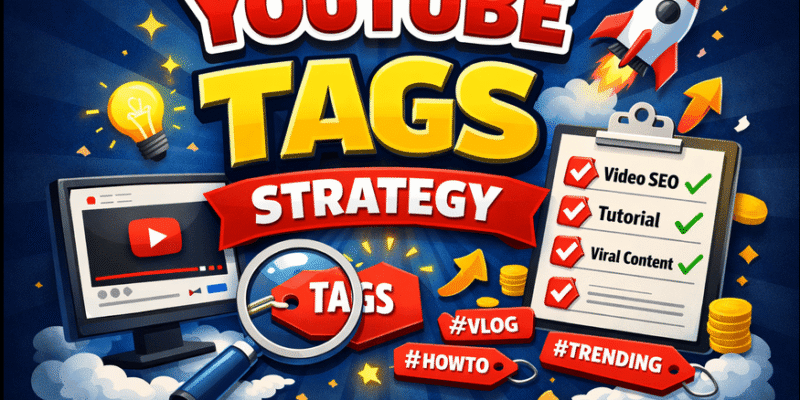

Are you a beginner YouTuber struggling to get your videos seen? You’re not alone. In 2026, YouTube tags strategy remains one of the simplest yet most powerful ways to help the algorithm understand your content and connect it with the right viewers.
What Is YouTube Tags Strategy and How It Works
YouTube tags strategy is the smart way creators choose and organize keywords (short phrases) in the “Tags” field when uploading a video. These tags act like labels that tell YouTube exactly what your video is about.
How it works in 2026:
- YouTube’s algorithm uses tags (along with your title, description, and video content) to categorize your video.
- Tags help match your video to what people are actually searching for.
- They also improve “related videos” and “up next” recommendations.
- Tags support synonyms, common misspellings, and variations (for example, “how to bake cookies” and “easy cookie recipe for beginners”).
- While tags are not the #1 ranking factor (watch time and click-through rate matter more), they still give your video a helpful boost in search and discovery especially for new channels.
Think of tags as invisible signposts that guide viewers straight to your video.
Important Fundamentals Beginners Must Understand
Before you add any tags, get these basics right:
- Relevance first — Every tag must match your actual video content. Irrelevant tags can hurt your video.
- Mix of tag types — Use a combination of:
- Broad tags (high search volume, like “cooking”)
- Specific/long-tail tags (lower competition, like “easy vegan pasta recipe under 20 minutes”)
- Branded tags (your channel name or series name)
- Order matters — Put your strongest, most important tags first.
- Character limit — YouTube allows up to 500 characters total for all tags combined. Aim for 10–15 precise tags.
- Tags ≠ Hashtags — Tags go in the hidden “Tags” box in YouTube Studio. Hashtags (#) go in your video description or title for extra discoverability.
Master these fundamentals and you’ll already be ahead of most beginners.
YouTube SEO Tags, Video Tags Guide
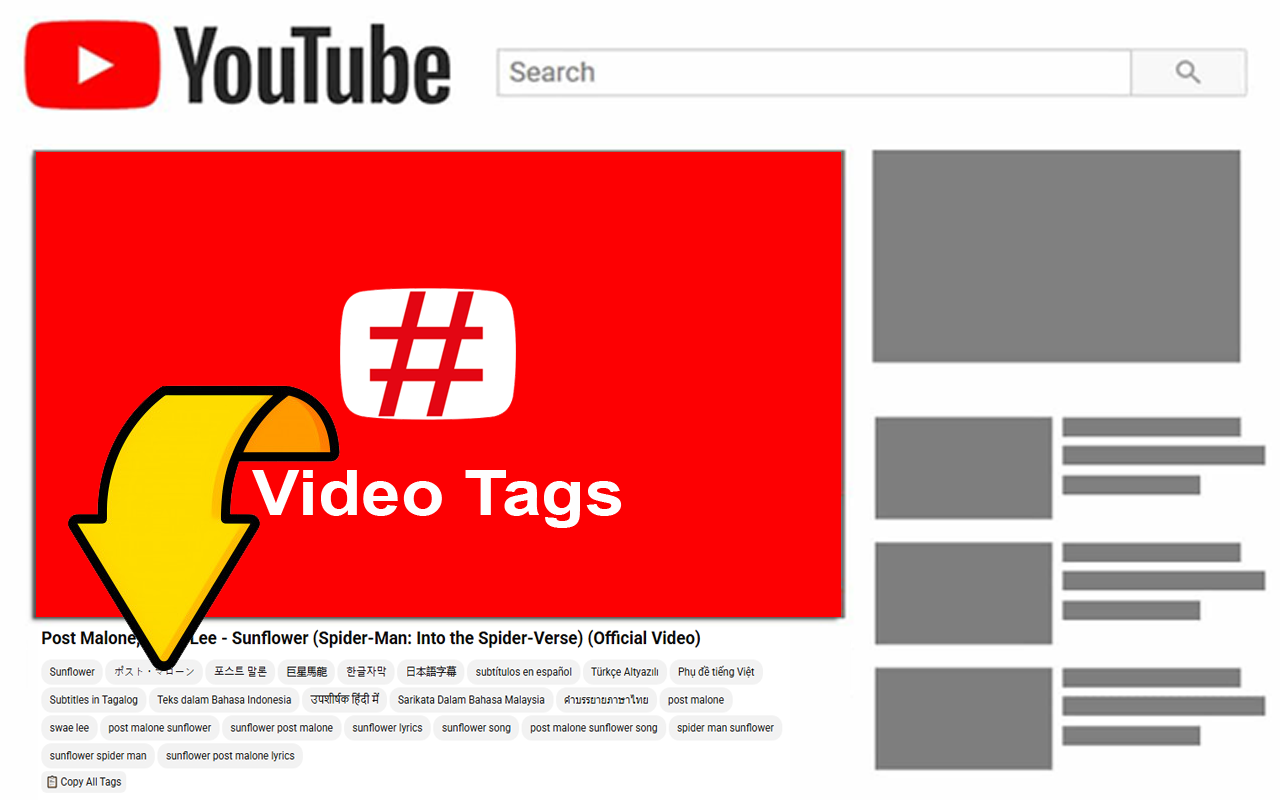
YouTube SEO tags (also called video tags) are the foundation of good video optimization. Here’s a simple framework:
- Primary tag (1 tag): Your exact main keyword (e.g., “YouTube tags strategy”).
- Variations (2–3 tags): Close matches and misspellings (e.g., “youtube tag strategy”, “youtube tags guide 2026”).
- Long-tail tags (4–6 tags): Specific phrases people search (e.g., “how to use youtube tags for beginners”).
- Broad/category tags (2–3 tags): General topics (e.g., “youtube seo”, “video optimization”).
- Branded tags (1–2 tags): Your channel name or series.
This mix helps YouTube understand both the big picture and the exact details of your video.
Step-by-Step Guide to Get Started with YouTube Tags Strategy
Follow this exact process for every video:
Step 1: Research your keywords Type your main topic into YouTube’s search bar and note the auto-suggestions. Write down 10–15 related phrases.
Step 2: Analyze competition Search those phrases on YouTube. Look at the top videos and note their titles and view counts. Choose keywords with decent search volume but lower competition if you’re starting out.
Step 3: Create your tag list
- Tag #1: Exact primary keyword
- Tag #2–4: Strong variations and long-tail phrases
- Tag #5–10: Related specific tags
- Last tags: Broad category + your channel name
Step 4: Add tags in YouTube Studio Upload your video → Go to “Details” → Scroll to “Tags” → Paste your list (one per line or comma-separated).
Step 5: Review and publish Double-check that every tag appears in your title or description too. Hit publish!
Pro tip: Do this before you upload so you can copy-paste quickly.
Best Practices and Strategies
- Keep tags highly relevant and specific.
- Use 10–15 tags maximum (quality over quantity).
- Place your best tags at the very beginning of the list.
- Update tags on old videos that are underperforming.
- Combine tags with strong titles and descriptions for maximum SEO power.
- For Shorts: Use 3–5 tags as a “context anchor” to help the algorithm understand the topic quickly.
- Test and track: After 7–14 days, check YouTube Analytics → “Reach” → “Traffic sources” to see what’s working.
Common Mistakes Beginners Make
Avoid these pitfalls that kill your video’s potential:
- Using irrelevant or spammy tags — YouTube can detect this and may limit your reach.
- Copying the exact same tags for every video — Each video needs unique tags.
- Spending too much time on tags — Focus 80% of your effort on title, thumbnail, and content first.
- Ignoring long-tail keywords — Broad tags alone won’t help new channels rank.
- Putting zero tags — You’re missing free discoverability.
- Splitting phrases — Keep “easy chocolate chip cookies” together instead of separate words.
- Stuffing too many tags — Over 15 rarely helps and can look spammy.
Practical Examples and Real Use Cases
Example 1: Cooking channel video Title: “Easy Vegan Pasta Recipe in 15 Minutes” Tags:
- easy vegan pasta recipe
- vegan pasta 15 minutes
- quick vegan dinner ideas
- beginner vegan recipes
- vegan pasta recipe
- healthy vegan meals
- cooking for beginners
- vegan italian food
- YourChannelName
Example 2: Tech review video Title: “Best Budget Smartphone 2026” Tags:
- best budget smartphone 2026
- budget phone under 300 dollars
- smartphone review 2026
- best cheap android phone
- tech review
- gadget recommendations
- YourTechChannel
These examples show how mixing specific and broad tags helps both search and recommendations.
Pro Tips to Improve Results with YouTube Tags Strategy
- Refresh tags every 3–6 months as trends change.
- Use your video script to inspire natural long-tail tags.
- Add your channel name as the last tag for branding.
- Track performance in YouTube Analytics and adjust future videos.
- Combine with strong closed captions YouTube reads them too!
- For evergreen content, focus on evergreen keywords that don’t go out of date.
Top Tools and Resources for YouTube Tags Strategy in 2026

Here are the best beginner-friendly tools (free and paid options included):
- vidIQ Free AI YouTube tags generator + full keyword research. Shows search volume and competition. Perfect for beginners. Use it to generate tags in seconds and analyze competitors.
- TubeBuddy Chrome extension with powerful tag suggestions, SEO scores, and bulk processing. Great for optimizing many videos quickly. Start with the free plan.
- YouTube Search Bar (completely free) Built into YouTube. Type your topic and use the autocomplete suggestions as ready-made tags. Best free starting point.
- Keyword Tool (KeywordTool.io or Keyword Tool Dominator) Pulls hundreds of YouTube-specific keyword ideas from Google autocomplete. Excellent for long-tail tags. Free version is very useful.
- Tune Pocket YouTube Tags Generator Free online tool. Just paste your video title and it instantly creates optimized tags. Ideal for quick uploads.
Start with the free options (YouTube Search + Tune Pocket), then upgrade to vidIQ or TubeBuddy as your channel grows.
Key Takeaways & Actionable Checklist
Quick Checklist for Every Video:
- Research 10–15 relevant keywords
- Create ordered tag list (primary first)
- Add tags in YouTube Studio
- Ensure tags appear in title/description
- Check relevance (no spam!)
- Track performance after 1–2 weeks
You now have a complete YouTube tags strategy system that actually works in 2026. No more confusion, no more guessing just clear, repeatable steps that deliver results.
Start applying this today on your next video. You’ll see the difference in search traffic and recommendations within weeks.
Bookmark this guide, share it with fellow creators, and keep coming back whenever you need a refresher. Your channel growth journey just got a whole lot easier!
FAQ – YouTube Tags Strategy
Q1: Do YouTube tags still matter in 2026?
Yes! While they are not the most important ranking factor, good YouTube tags strategy helps the algorithm better understand and categorize your video, improving search visibility and recommendations especially for newer channels.
Q2: How many tags should I use on YouTube?
Aim for 10–15 high-quality, relevant tags. You have a 500-character limit, so focus on quality rather than quantity. More than 15 rarely provides extra benefit.
Q3: Should I copy tags from other popular videos?
No. Always create unique tags based on your specific video content. Copying irrelevant tags can hurt your performance.
Q4: What is the difference between YouTube tags and hashtags?
Tags are added in the hidden “Tags” box in YouTube Studio and help with internal categorization. Hashtags (#) are visible in the description or title and help with discoverability on the platform.
Q5: Can I change tags after uploading a video?
Yes. You can edit tags on any video at any time through YouTube Studio. It’s a good idea to update old videos with better tags.
Q6: Are long-tail tags better than broad tags?
For beginners, long-tail tags are usually better because they have less competition and attract more targeted viewers.