
Faceless YouTube channels are one of the smartest ways for beginners to build a profitable online business in 2026. You create high-quality videos, grow an audience, and earn money without ever showing your face on camera.
Many creators combine this with YouTube automation (using AI to handle scripting, voiceovers, and editing) and fresh faceless content ideas to produce videos faster than ever.
What Are Faceless YouTube Channels and How Do They Work?
A faceless YouTube channel is simply a channel where the creator never appears on camera. Instead of filming yourself talking, you use:
- Professional AI or recorded voiceovers
- Stock footage, animations, screen recordings, or AI-generated visuals
- Text overlays, graphics, and background music
How it works in simple terms:
- You (or AI) research a topic.
- You write a script.
- AI turns the script into a natural-sounding voiceover.
- You add visuals that match the narration.
- You edit everything into a polished video.
- You upload with smart titles, descriptions, and thumbnails.
This process is often called YouTube automation because tools handle 70-90% of the work. Once your system is set up, you can create 3–5 videos per week with just a few hours of actual work.
Big benefits for beginners in 2026:
- Total privacy (no camera anxiety)
- Low cost to start (under $50/month)
- Scalable — many creators run 3–5 channels at once
- High earnings potential (finance and tech niches often pay $10–$30 per 1,000 views)
Important Fundamentals Beginners Must Understand
Before you make your first video, lock in these basics:
- Niche matters more than anything Pick a topic people search for every day (evergreen) or one that’s trending but still has room to grow.
- YouTube rewards watch time, not just views Your video must hook viewers in the first 15 seconds and keep them watching. Retention is king.
- SEO is your free traffic machine Use the right keywords in titles, descriptions, and tags so YouTube shows your video in search results.
- Consistency beats perfection Posting 1–3 times per week for 3 straight months matters more than fancy editing.
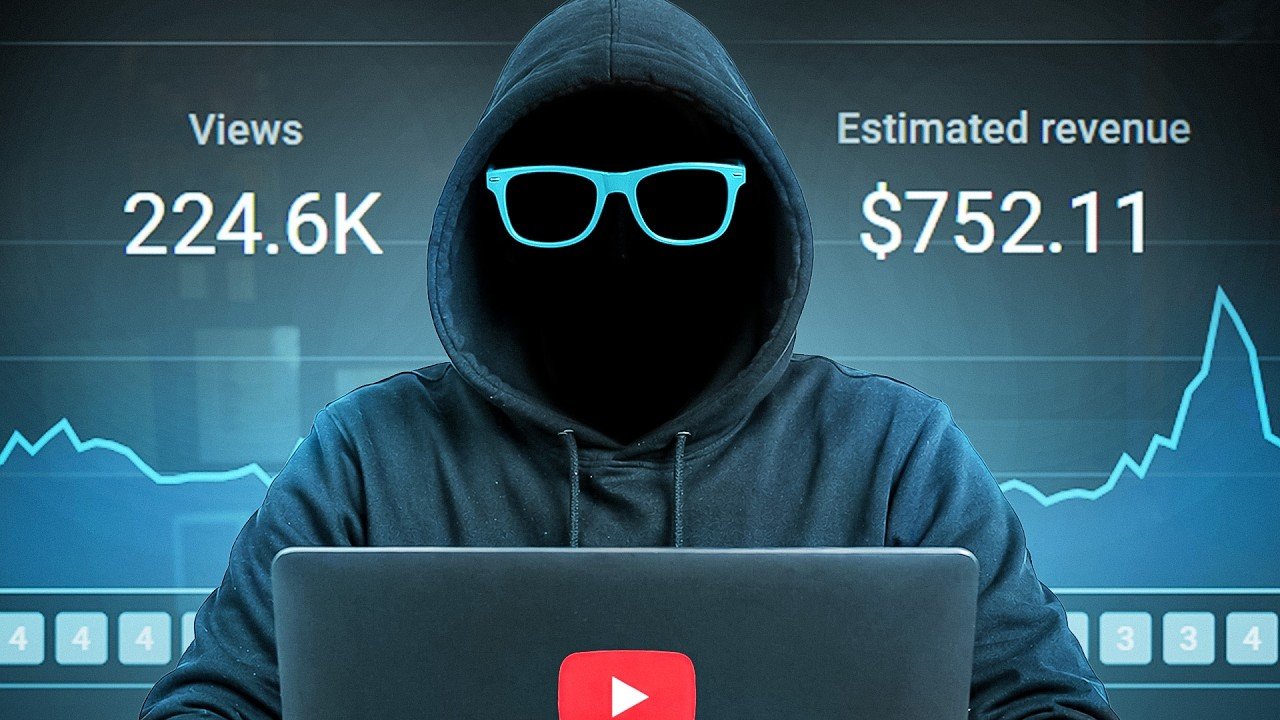
- Monetization requirements (2026) You need 1,000 subscribers + 4,000 watch hours (or 10 million Shorts views) to join the YouTube Partner Program.
Quick Niche Selection Checklist
- Does it have search volume? (Use free tools like YouTube search suggest)
- Are there successful faceless channels already?
- Can you create 50+ video ideas without running out?
- Is the RPM (money per 1,000 views) decent? (Finance, tech, and self-improvement usually pay best)
Step-by-Step Guide to Get Started with Faceless YouTube Channels
Here’s the exact process that works in 2026:
Step 1: Choose Your Niche and Brainstorm Faceless Content Ideas
Popular faceless content ideas right now include:
- Personal finance & money tips
- Top 10 lists / facts / trivia
- True crime or mystery stories
- Motivational compilations
- History explained simply
- AI news and tool reviews
- Relaxing ambient music or sleep sounds
- Tech explainers or “how it works” videos
- Celebrity drama recaps
- Self-improvement / productivity
Action: Pick one niche you can talk about for the next 6 months. Write down 20 video ideas in a Google Doc.
Step 2: Set Up Your Channel (15 minutes)
- Create a Google account if you don’t have one.
- Go to YouTube → “Create a channel.”
- Choose a clear name (e.g., “FinanceFactsDaily” or “MysteryVaultStories”).
- Write a simple channel description with keywords.
- Upload a professional banner and logo (use Canva).
Step 3: Research Topics and Keywords
Type your niche into YouTube search and note what people are actually searching. Tools like VidIQ (free version) show search volume and competition.
Step 4: Write Your Script
Keep it 8–15 minutes long. Structure:
- Hook (first 15 seconds)
- Promise + preview
- Main content (numbered points work great)
- Strong call-to-action at the end
Pro tip: Ask AI to write the first draft, then rewrite in your own words so it sounds human.
Step 5: Create Voiceover
Use AI tools for natural-sounding narration (more on tools below).
Step 6: Gather Visuals
- Free stock footage sites
- Simple animations or screen recordings
- AI image/video generators for custom clips
Step 7: Edit the Video
Put voiceover + visuals together. Add subtle background music, captions, and zoom effects.
Step 8: Make a Click-Worthy Thumbnail
Bright colors, big text, and emotional faces (even stock images) work best.
Step 9: Upload and Optimize
- Title: Keyword + benefit + number (if it fits)
- Description: First 2 lines with keywords + timestamps + links
- Tags: 10–15 relevant ones
- End screen + cards for more videos
Step 10: Publish and Repeat
Post on a schedule. Study what works and double down.
Best Practices and Strategies (Including YouTube Automation)
- Batch content: Create 4 videos in one day instead of one per day.
- Focus on retention: Use pattern interrupts (text pops, sound effects) every 30–60 seconds.
- Automate what you can: Once you have a workflow, tools can generate 80% of the video automatically.
- Build a brand: Same thumbnail style and intro music so viewers recognize you instantly.
- Cross-promote: Share clips on TikTok, Instagram Reels, and Pinterest.
Common Mistakes Beginners Make (And How to Avoid Them)
- Spending weeks on setup instead of uploading → Start with your first video this week.
- Videos under 8 minutes → Aim for 10+ minutes so YouTube can show mid-roll ads.
- Weak hooks → Start with a surprising fact or question.
- Ignoring SEO → Always check keywords first.
- Over-relying on AI without editing → AI scripts and voices need human tweaks to feel natural.
- Inconsistent posting → Pick a schedule and stick to it for 90 days.
- Bad thumbnails → Test 2–3 versions and pick the one with highest click rate.
Practical Examples and Real Use Cases
- The Infographics Show (14M+ subscribers): Uses simple animations + voiceover for “What If” and fact videos. Fully faceless and highly profitable.
- Lofi Girl (13M+ subscribers): One looping animation + relaxing music. Runs almost on autopilot.
- Finance explainer channels (like MagnatesMedia style): Documentary-style stock footage + deep narration. Many earn $10K–$50K/month.
- True crime storytelling channels: AI voice + eerie stock footage. Viewers binge-watch entire playlists.
These channels prove you don’t need to be on camera or have fancy equipment just consistent value and smart execution.
Tips to Improve Results with Faceless YouTube Channels
- Check YouTube Analytics every week → See which videos keep people watching longest.
- A/B test thumbnails and titles.
- Add subtle calls-to-action (“Comment your biggest money mistake below”).
- Create playlists so viewers watch multiple videos in a row.
- Once you hit 1,000 subscribers, start a simple email list or community for extra income.
Top Tools and Resources for Faceless YouTube Channels in 2026
Here are the five best tools beginners actually use and love:
- ChatGPT (or Claude) What it does: Writes scripts, generates video ideas, creates titles and descriptions. When to use: Every single video. Free tier is enough to start. How beginners use it: Paste your topic and say “Write an engaging 10-minute YouTube script about [topic] with a strong hook.”
- ElevenLabs What it does: Creates ultra-realistic AI voiceovers that sound human. When to use: For narration (starter plan ~$5/month gives you plenty of characters). Pro tip: Clone a voice once and reuse it for brand consistency.
- Pictory or InVideo AI What it does: Turns your script into a full video automatically with stock footage, music, and transitions. When to use: When you want to speed up production (great for YouTube automation). Pricing: Starts around $19–$25/month after free trial.
- CapCut What it does: Free mobile/desktop editor with auto-captions, effects, and AI tools. When to use: For final polishing or if you want full control. Perfect for beginners because it’s completely free and easy.
- Canva What it does: Creates professional thumbnails, channel banners, and simple animations. When to use: Every video for eye-catching thumbnails. Free version is powerful; Pro version adds more stock elements.
Bonus free resources:
- Pexels and Pixabay → Royalty-free stock footage and images
- Epidemic Sound → High-quality background music (paid but worth it for copyright safety)
Final Key Takeaways
- Faceless YouTube channels + YouTube automation let anyone build a real business in 2026.
- Start simple, stay consistent, and focus on value.
- Use the right tools so you spend time on strategy, not tedious editing.
- Your first 10 videos will feel clunky that’s normal. Keep going.
You now have everything you need: the strategy, the step-by-step plan, the tools, the examples, and the mistakes to avoid.
The only thing left is to pick your niche, write your first script today, and upload your first video this week.
Your faceless YouTube journey starts now.
FAQs
1. Can I earn without showing my face?
Yes, many creators earn using faceless channels.
2. How long does it take to grow?
Usually 3–6 months with consistent uploads.
3. Is YouTube automation safe?
Yes, if you follow YouTube guidelines.
4. What is the best niche?
Education, finance, AI, and storytelling.
5. Do I need investment?
You can start with almost zero cost using free tools.