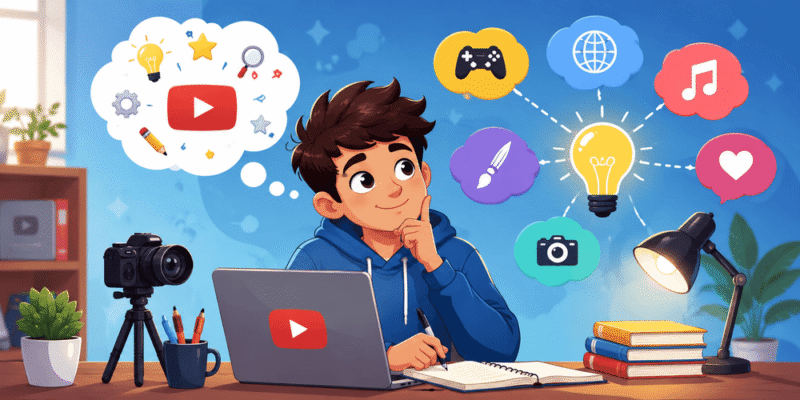

A strong YouTube channel name is your brand’s first impression. It helps viewers find you, remember you, and subscribe. In 2026, with millions of channels competing for attention, a great name can make the difference between growing quickly or struggling to get noticed.
What Is a YouTube Channel Name Generator and How It Works?
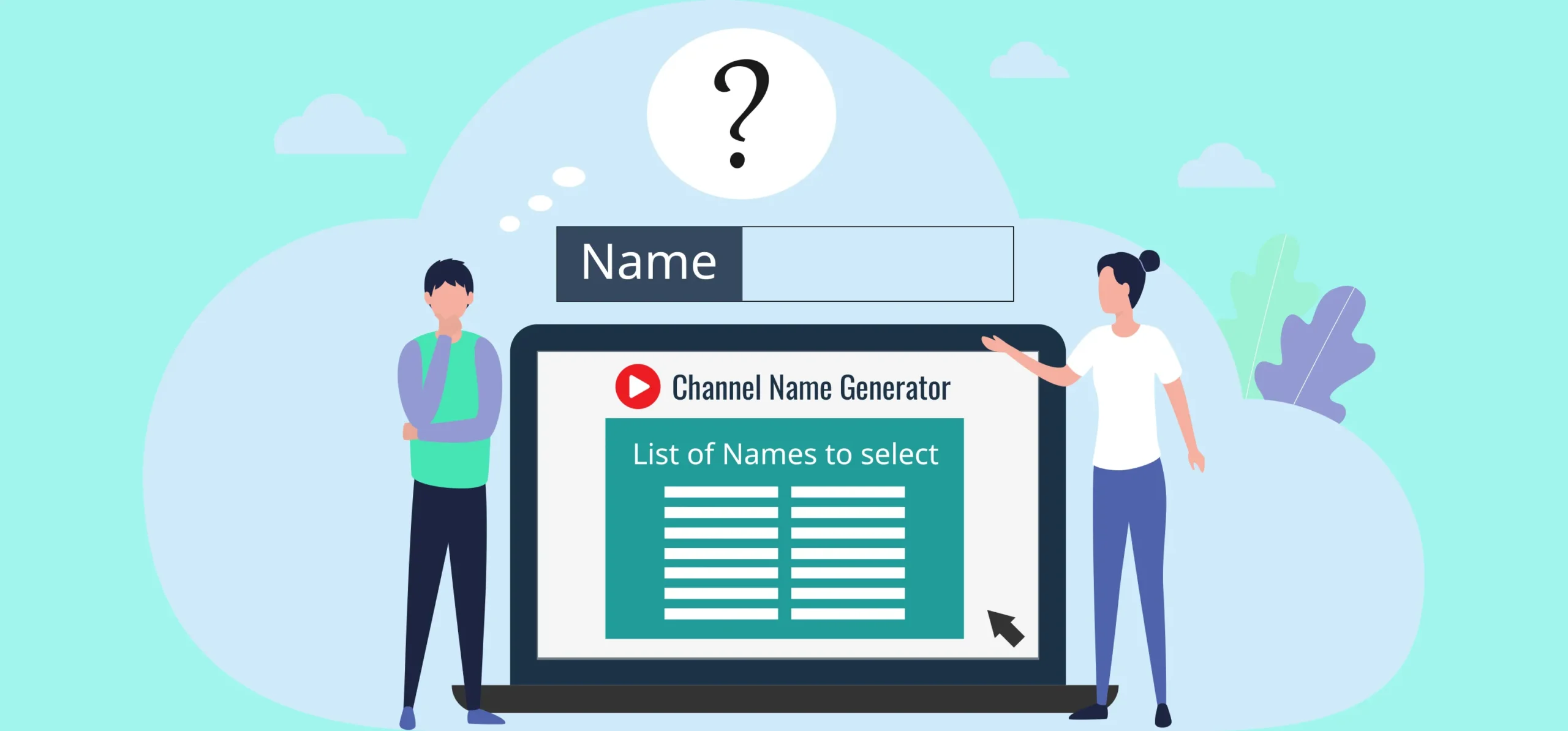
A YouTube Channel Name Generator is a tool (often AI-powered) that creates creative, relevant name suggestions based on your niche, keywords, or description.
How it works (simple steps):
- You input keywords (e.g., “cooking”, “gaming”, “fitness for beginners”).
- The tool uses patterns from successful channels, word combinations, puns, and AI creativity to generate options.
- It often checks availability or suggests variations with numbers, prefixes/suffixes.
These generators save hours of brainstorming and help avoid generic or taken names. Many also suggest logos or check social media handles.
Key benefit for beginners: They combine data-driven ideas with creativity, helping you stand out while staying relevant to search algorithms.
Important Fundamentals Beginners Must Understand
Before generating names, grasp these basics:
- Channel Name vs. Handle: The channel name (display name) can be changed and appears in searches/videos. The handle (@yourname) is unique, permanent-like, and used for URLs/links. Aim for them to match closely.
- SEO Impact: Include niche keywords (e.g., “Fitness” or “Tech”) for better discoverability, but don’t stuff them unnaturally.
- Branding: Your name should reflect your personality, niche, and long-term vision. It needs to be scalable.
- Availability: Must be free on YouTube + social platforms (Instagram, TikTok, etc.) for consistent branding.
- Legal/Community Guidelines: Avoid trademarks, profanity, or misleading names.
Core Qualities of a Great Name (memorize this framework):
- Short (under 30 characters, 2-5 syllables).
- Easy to spell, pronounce, and remember.
- Unique yet descriptive.
- Timeless (avoid hyper-trendy terms that date quickly).
Step-by-Step Guide to Get Started with a YouTube Channel Name Generator
- Define Your Niche and Audience: Write a one-sentence description. Example: “Beginner-friendly home workouts for busy moms.”
- Brainstorm Keywords: List 5-10 words (main topic + descriptors + emotions). E.g., fitness, glow, strong, mama, home.
- Use a Generator: Input into tools (listed later). Generate 50+ options.
- Evaluate Options: Use the checklist below.
- Check Availability: Search YouTube, Google, Namecheap (for domain), and socials.
- Test It: Say it out loud, ask friends, imagine it in comments/searches.
- Claim It: Create the channel and secure handles quickly.
Actionable Checklist for Evaluating Names:
- Easy to remember and spell?
- Relevant to my content?
- Available on YouTube + 3+ social platforms?
- No numbers/underscores unless necessary?
- Sounds professional/fun (matches tone)?
- Scalable if I expand niches?
Best Practices and Strategies
- Keyword + Twist: “Tech” + “Daily” = TechDailyVibes.
- Personal Brand: Use your name + niche (e.g., “AlexCooksEasy”).
- Alliteration: Catchy like “Fitness Frontier” or “Gaming Galaxy”.
- Problem-Solution: “BudgetByteBites” for cheap recipes.
- Audience-Focused: Target demographics (e.g., “SeniorFitnessJourney”).
- Consistency: Match across platforms for multi-platform growth.
Strategy for 2026: Focus on evergreen + trending hybrids. Use AI generators for speed, then human creativity for uniqueness.
200+ YouTube Channel Name Ideas for Any Niche
Here are practical ideas grouped by popular 2026 niches. Use these as inspiration or direct starters. Mix and match!
Fitness & Health (30 ideas):
- GlowUpDailyFit
- BeginnerBodyBoost
- HomeWorkoutHero
- MindfulMoveMama
- StrengthSpark 6-30: VitalVibesFit, FlexForLife, CalmCoreCrew, SeniorStride, KetoKitchenFit, YogaFlowJourney, HIITHomeHub, WellnessWarriorX, FitAfter40, etc. (expand with your twist).
Gaming:
- PixelQuestDaily
- NoobToProPlays
- IndieGameNest
- ChillGamerHub
- EpicFailSquad (and 25+ more like RetroReload, BattleBuddyHQ).
Cooking & Food:
- QuickBiteKitchen
- BudgetChefAdventures
- VeganVibeRecipes
- OnePanWonders
- FlavorFusionLab (plus many variations).
Tech & Gadgets:
- TechSimplifiedDaily
- GadgetGeekLab
- AIExplainedEasy
- FutureTechFix
- SmartSetupPro.
Personal Finance:
- MoneySmartMoves
- DebtFreeDreamer
- SideHustleSuccess
- WealthForBeginners
- FrugalFinanceFlow.
Travel & Vlogs:
- BudgetGlobeTrotter
- SoloTripStories
- HiddenGemHunter
- AdventureAwaitsVlog
- CulturalQuestDaily.
Education & Tutorials:
- SkillUpAcademy
- LearnInMinutes
- BeginnerBrainBoost
- ProTipVault
- KnowledgeNexus.
Other Niches (Beauty, ASMR, History, Motivation, etc.):
- Beauty: GlowRoutineReels, NaturalBeautyBase.
- ASMR: WhisperRelaxHub, TinglesDailyDose.
- History: PastUncovered, HistoryByteBites.
- Motivation: RiseAndThriveDaily, MindsetMomentum.
Generate More: Combine patterns like [Adjective] + [Niche] + [Benefit] (e.g., Ultimate, Easy, Pro, Daily, Hub, Lab, Quest, Spark, Vibe, Flow). This framework alone can yield hundreds. For faceless channels: AIStoryVault, FactFlowDaily.
Practical Examples and Real Use Cases
- Beginner Example: Niche = cooking for students. Generator input: “easy cheap student meals”. Outputs: DormDishDaily, StudentSpiceLab → Chosen: “BudgetBiteStudent”.
- Success Story Style: Channels like “MrBeast” (memorable, brandable) or niche ones like finance creators who include keywords for SEO.
- Rebranding Case: Start narrow (“GamingTips2026”), then evolve to broader (“EpicGameHub”) as you grow.
Common Mistakes Beginners Make (and How to Avoid Them)
- Too Generic: “GamingChannel123” → Fix: Add personality.
- Hard to Spell/Pronounce: Avoid complex words or excessive numbers.
- Copying Others: Leads to confusion and poor SEO.
- Ignoring Availability: Claiming too late.
- Not Thinking Long-Term: Trendy names that don’t age well.
- Overly Clever: If you need to explain it, simplify.
Pro Tip: Sleep on your top 3 choices before deciding.
Tips to Improve Results with YouTube Channel Name Generator
- Be specific in prompts: “Funny tech reviews for seniors” beats “tech”.
- Generate in batches and combine manually.
- Check trademarks via USPTO or quick Google search.
- Test pronunciation with voice-to-text.
- Secure domain/socials immediately.
- Update name early if needed (YouTube allows changes, but consistency matters).
Top Tools and Resources for YouTube Channel Name Generators
Here are proven, beginner-friendly options in 2026:
- vidIQ YouTube Channel Name Generator — Free AI tool trusted by millions. Input niche/personality for catchy, brand-ready ideas. Great for quick starts and SEO insights. Use when you want data-backed suggestions.
- Renderforest YouTube Name Generator — AI that generates names + free logo/thumbnail ideas. Ideal for visual creators wanting full branding starters.
- Squarespace AI YouTube Channel Name Generator — Fast brainstorming tailored to brand personality. Excellent for those building a website alongside the channel.
- Hootsuite YouTube Name Generator — Provides available handles. Perfect for social media consistency checks.
- Wix or BrandCrowd Generators — AI with domain options and business-name focus. Use for professional or long-term brand building.
Bonus Free Resources: YouTube search for availability, Namecheap for domains, Canva for quick logos, vidIQ/TubeBuddy browser extensions for channel analytics.
Key Takeaways and Your Next Steps
- A great YouTube Channel Name Generator process combines tools with your unique input.
- Prioritize memorable, relevant, available names.
- Use the checklists, frameworks, and 200+ ideas here to launch confidently.
- Your name is just the start consistent, valuable content grows the channel.
Action Plan:
- Pick your niche and brainstorm keywords today (10 minutes).
- Try 2-3 generators from the list.
- Shortlist 5 names and check availability.
- Create your channel and make your first video!
Frequently Asked Questions
1. What is the best YouTube channel name generator in 2026?
The top free options are vidIQ, Renderforest, and Squarespace AI Name Generator. They combine AI creativity with availability checks and branding suggestions.
2. How do I check if a YouTube channel name is available?
Go to YouTube, search the exact name, and try creating a channel with it. Also check the @handle and social media platforms (Instagram, TikTok, Twitter/X) for consistency.
3. Can I change my YouTube channel name later?
Yes, you can change your display name multiple times, but your @handle can only be changed once every 14 days. Choose carefully for long-term branding.
4. Should my channel name include keywords?
Yes include 1 main keyword (e.g., Fitness, Tech, Cooking) naturally. It helps with YouTube search and discoverability without looking spammy.
5. Are numbers or underscores okay in a channel name?
It’s better to avoid them if possible. They make names harder to remember and spell. Use them only when your preferred name is taken.
6. How many name ideas should I generate before choosing one?
Aim for 30–50 ideas using generators, then narrow them down to your top 5 using the checklist in this guide.