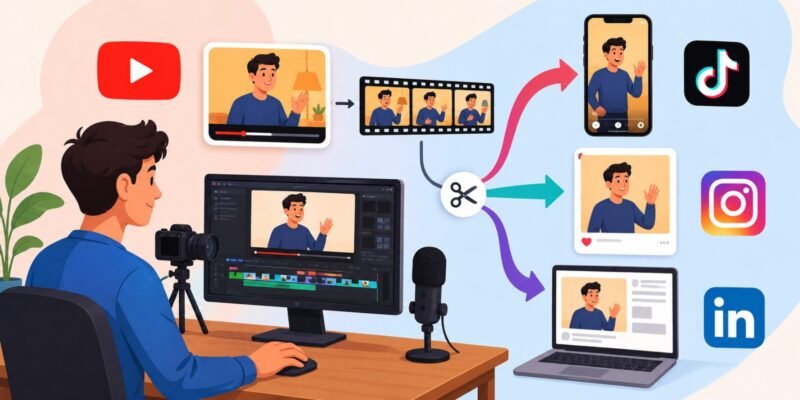

Repurposing YouTube videos for Instagram, TikTok, and LinkedIn means taking your existing long-form YouTube content and turning it into fresh, platform-friendly pieces like short videos, carousels, or text posts that reach new audiences without starting from scratch.
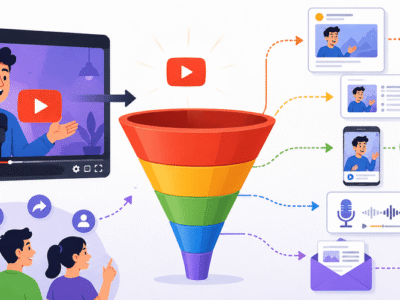
In 2026, this strategy is one of the smartest ways for creators, coaches, educators, and businesses to grow across platforms. One 15–30 minute YouTube video can easily become 5–10+ high-performing shorts, reels, carousels, and professional posts. It saves time, boosts visibility, and drives traffic back to your full videos.
Why Repurpose YouTube Videos? The Big Benefits
- Reach more people: Different platforms have different audiences. TikTok loves fun, fast trends; Instagram favors storytelling and visuals; LinkedIn rewards professional insights.
- Save time and money: Create once, distribute everywhere.
- Algorithm love: Short-form content performs well and can funnel viewers to your long-form YouTube videos.
- Build authority: Consistent presence on multiple platforms grows your brand faster.
Real example: A cooking YouTuber uploads a 20-minute recipe tutorial. They repurpose it into a 30-second TikTok teaser (quick tip), an Instagram Reel with step-by-step captions, and a LinkedIn post highlighting the business angle (e.g., “How this recipe saves time for busy professionals”).
Important Fundamentals Beginners Must Understand
Before jumping in, grasp these basics:
- Platform Differences:
- TikTok: Fast-paced, vertical (9:16), 15–60 seconds ideal, trending sounds, high energy.
- Instagram (Reels/Stories): Vertical or square, engaging hooks in first 3 seconds, strong visuals and captions.
- LinkedIn: Professional tone, 30–120 seconds, value-driven insights, thought leadership. Vertical works well, but 16:9 can also perform.
- Content Atomization: Break long videos into “atoms” single ideas, tips, stories, or stats.
- Hook-First Mindset: Grab attention immediately. Most viewers scroll fast.
- Call-to-Actions (CTAs): Always direct people back to your YouTube video or channel (e.g., “Full tutorial in bio/link”).
- Consistency and Testing: Post regularly and track what works (views, saves, shares, comments).
Step-by-Step Guide to Get Started
Step 1: Choose Your YouTube Video Pick a high-performing or evergreen video (e.g., tutorials, how-tos, interviews). Check analytics for popular timestamps.
Step 2: Review and Identify Key Moments Watch the video and note:
- Strong hooks/openings
- Surprising stats or tips
- Stories or examples
- Actionable advice
- Powerful conclusions
Aim for 5–10 clips per video.
Step 3: Edit and Adapt the Clips
- Trim to 15–90 seconds.
- Resize to vertical (9:16) using free tools.
- Add big, readable captions (most watch without sound).
- Include platform-specific elements (trending audio for TikTok, professional graphics for LinkedIn).
Step 4: Optimize for Each Platform
- TikTok: Add text overlays, effects, and trending sounds. End with a CTA.
- Instagram: Use Reels music, stickers, and location tags. Create carousel versions with key screenshots.
- LinkedIn: Add a thoughtful caption with business takeaways. Post as native video.
Step 5: Schedule and Publish Use scheduling tools. Post consistently (e.g., 3–5 shorts per week).
Step 6: Analyze and Iterate Check insights after 24–48 hours. Double down on winners.
Platform-Specific Strategies and Best Practices
For TikTok:
- Focus on entertainment + value.
- Use duets, stitches, or trends.
- Example: Turn a productivity YouTube tip into a “POV: You try this hack” style video.
For Instagram Reels:
- Strong visual storytelling.
- Best practices: Hook in 3 seconds, text on screen, trending audio, series format (e.g., Part 1/3).
- Create carousels from video frames + text tips.
For LinkedIn:
- Emphasize expertise and results.
- Strategies: Share “key takeaway” clips, behind-the-scenes, or career advice. Add written context in the post.
General Best Practices:
- Always add value don’t just clip randomly.
- Maintain brand consistency (logo, colors, voice).
- Test 3 hooks per clip.
- Include watermarks or channel mentions.
- Drive traffic back to YouTube.
Practical Framework: The 5-to-1 Rule For every long video, create at least 5 short pieces: 2 TikTok-style, 2 Instagram, 1 LinkedIn-focused.
Tools and Resources for Beginners
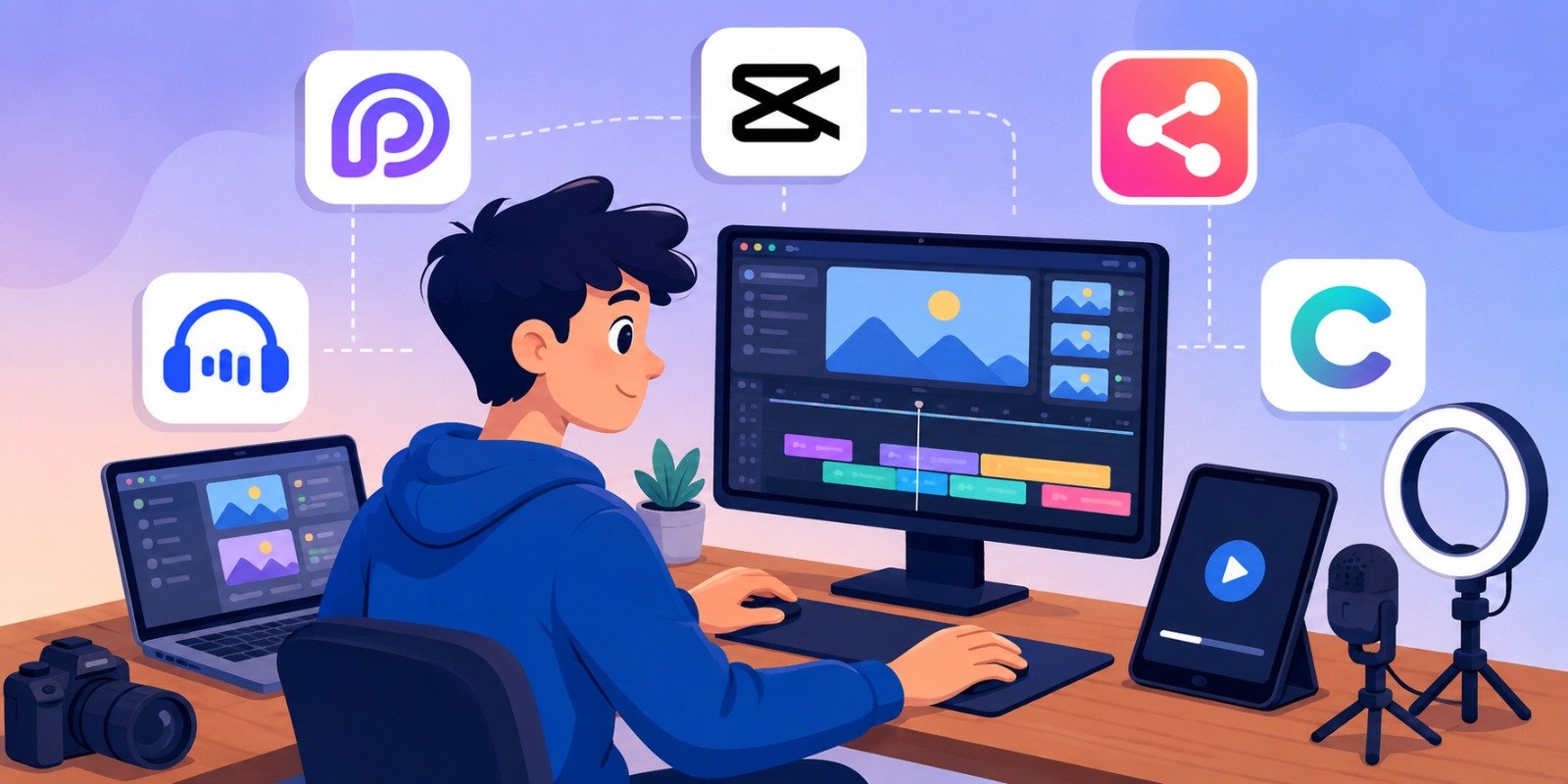
Here are top tools in 2026 to make repurposing easier:
- Opus Clip: AI tool that automatically finds viral-worthy moments in long videos, generates clips with captions. Great for beginners upload YouTube link, review suggestions, export. Use for quick TikTok/Instagram clips.
- CapCut: Free mobile/desktop editor by TikTok. Excellent for trimming, resizing, adding captions, effects, and trending templates. Ideal for all platforms.
- Repurpose.io: Automates distribution. Connect your YouTube, turn videos into posts across Instagram, TikTok, LinkedIn, etc. Perfect for consistent scheduling.
- Descript or Captions.ai: AI for transcription, editing by text, auto-captions, and clip generation. Good for polishing audio and adding professional touches.
- Canva: Free for creating carousels, thumbnails, graphics, and simple video edits. Use for LinkedIn visuals or Instagram carousels.
Start with free versions. Combine them (e.g., Opus for clipping + CapCut for final polish).
Practical Examples and Real Use Cases
- Fitness Coach: YouTube full workout → TikTok/Instagram: 45-second form tip reel; LinkedIn: “How this exercise boosts workplace energy” clip.
- Business Educator: 25-minute strategy video → Multiple shorts on one key framework, carousel of steps on Instagram, thought-leadership post on LinkedIn.
- Recipe Channel: Long tutorial → TikTok quick hack, Instagram step-by-step Reel, LinkedIn “Meal prep for professionals” version.
Common Mistakes Beginners Make (and How to Avoid Them)
- Copy-Paste Without Adaptation: Don’t upload horizontal videos to vertical platforms. Always reformat.
- Ignoring Platform Culture: Professional tone on TikTok or casual on LinkedIn fails. Tailor content.
- No Captions or Hooks: Videos without text get ignored. Hook within 3 seconds.
- Over-Automation Without Review: AI clips need human editing for quality and brand fit.
- Posting Everywhere Without Engagement: Build community on each platform.
- Forgetting CTAs and Links: Always guide viewers back to your YouTube or website.
Tips to Improve Results in 2026
- Batch process: Repurpose 4–5 videos in one session.
- A/B test hooks and thumbnails.
- Use analytics to identify high-retention moments.
- Create content series for better retention.
- Collaborate or duet popular content.
- Track cross-platform traffic to YouTube.
- Stay updated with algorithm changes (short, valuable content wins).
Key Takeaways Checklist:
- Select strong YouTube videos
- Identify 5–10 key moments
- Edit vertically with captions
- Customize per platform
- Add CTAs and post consistently
- Analyze and refine
Final Thoughts
Repurposing YouTube videos for Instagram, TikTok, and LinkedIn is a game-changer for beginners and pros alike. It multiplies your reach, saves countless hours, and helps you build a stronger personal brand across platforms.
Start small: Pick one YouTube video today, create 3 clips, and post them this week. Over time, this system will feel natural and deliver compounding results.
FAQs
Q1: How long should my repurposed clips be?
A: TikTok & Instagram Reels: 15–60 seconds (up to 90s). LinkedIn: 30–120 seconds. Keep them short and focused on one idea.
Q2: Do I need expensive tools to start?
A: No. Free tools like CapCut and Canva are enough for beginners. Add AI tools like Opus Clip as you grow.
Q3: Can I post the same clip on all three platforms?
A: Yes, but always customize the caption, hook, and hashtags for each platform’s audience.
Q4: How do I drive traffic back to my YouTube video?
A: Add a clear CTA in the video (“Full video link in bio”) and in the caption. Use end screens or pinned comments.
Q5: How often should I repurpose content?
A: Aim to turn one new YouTube video into 5–10 pieces per week. Consistency beats perfection.
Q6: Will reusing content hurt my reach?
A: No if you adapt it properly for each platform. Algorithms favor value and native-feeling content.
Q7: What’s the best time to post?
A: Check each platform’s analytics. Generally: TikTok evenings, Instagram mornings/afternoons, LinkedIn weekdays during work hours.