

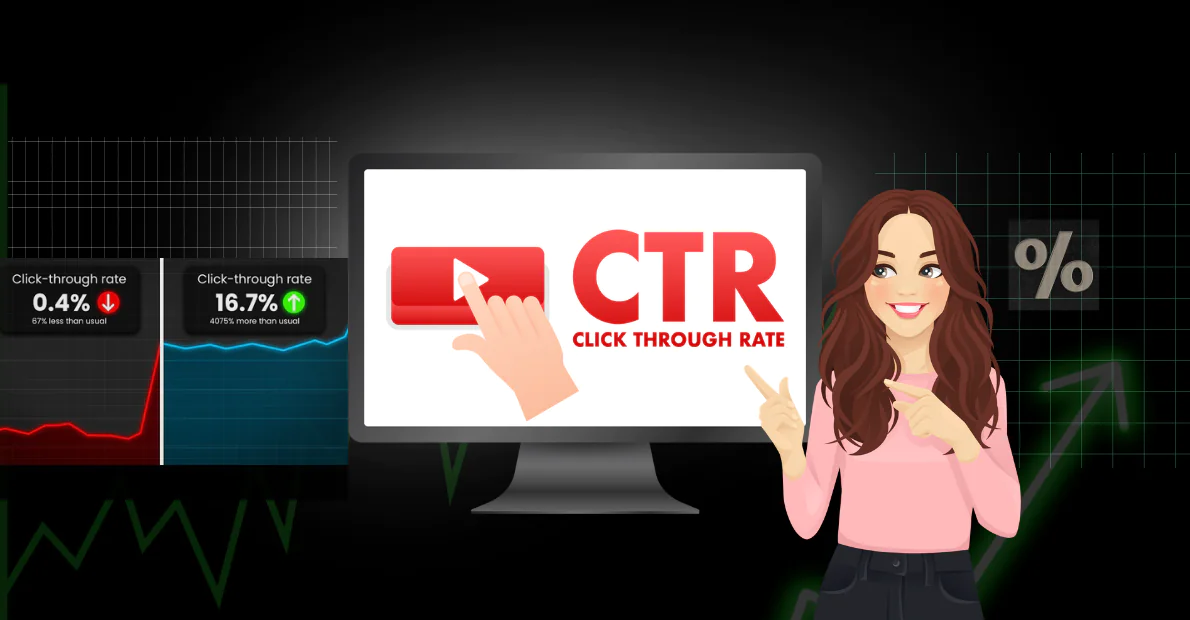
Increase CTR on YouTube is essential for growing your channel, as click-through rate (CTR) on YouTube often called click rate YouTube measures how often viewers click on your video after seeing it in search results, recommended videos, or your channel. It is one of the most important metrics for growth in 2026. A higher thumbnail CTR directly signals to YouTube’s algorithm that your content is appealing, leading to more impressions and views.
What Is YouTube CTR and How Does It Work?
YouTube CTR is calculated as:
(Number of clicks ÷ Number of impressions) × 100
- Impressions: Times your thumbnail and title appear to users.
- Clicks: Times users actually click to watch.
For example, if your video gets 1,000 impressions and 50 clicks, your CTR is 5%.
Why it matters: YouTube uses CTR as a key ranking factor. Videos with higher click rate YouTube often get pushed to more people. Organic CTR benchmarks in 2026 typically range from 4-7% as average, with good performance at 7-9% and exceptional above 9%. New channels or certain niches may start lower.
Thumbnail CTR is especially critical because thumbnails are the visual hook. Titles support them by adding context and curiosity.
Important Fundamentals Beginners Must Understand
Before optimizing, grasp these basics:
- Thumbnails and Titles Work Together: The thumbnail grabs attention visually. The title explains the value and creates curiosity. They must complement each other without repeating the same information.
- Mobile-First Viewing: Over 70% of YouTube views happen on mobile. Design everything to look clear and compelling at small sizes.
- Algorithm Feedback Loop: High CTR + good watch time = more recommendations. Low CTR limits impressions, even for great videos.
- Consistency Builds Trust: Viewers recognize your style over time, improving baseline CTR.
- Testing is Essential: What works changes by niche, audience, and trends. Always test variations.
Step-by-Step Guide to Increase CTR on YouTube
Step 1: Analyze Your Current Performance Go to YouTube Studio > Analytics > Content. Look at CTR for each video (available after enough impressions). Note your best and worst performers. Set a benchmark aim to beat your average by 1-2% initially.
Step 2: Research What Works in Your Niche Watch top videos in your niche. Screenshot their thumbnails and titles. Identify patterns: colors, facial expressions, text styles, and promises.
Step 3: Create Better Thumbnails
- Use 1280×720 pixels resolution.
- Keep it simple: one clear focal point (often a face with strong emotion).
- Add bold, large text (3-5 words max). Use high-contrast colors.
- Test curiosity: Show “before/after,” reactions, or numbers.
- Avoid clutter and low-quality images.
Step 4: Write Compelling Titles
- Keep under 60-70 characters for full display.
- Place main keyword near the front.
- Use power words: How, Why, Best, Secret, Ultimate, 2026.
- Create curiosity without misleading. Example: Instead of “My Cooking Video,” use “How I Made Restaurant-Quality Pasta in 15 Minutes (Beginner Friendly).”
Step 5: Upload and Monitor Upload with optimized thumbnail and title. Check performance after 24-48 hours and iterate.
Step 6: Test and Iterate Use YouTube’s built-in A/B testing for titles and thumbnails on eligible videos. Replace losers with new versions.
Best Practices and Strategies for Higher Thumbnail CTR
- Use Faces and Emotions: Human faces with clear expressions (surprise, joy, shock) boost clicks significantly.
- High Contrast and Bold Elements: Bright backgrounds with dark text or vice versa.
- Numbers and Lists: “7 Ways” or “5 Mistakes” perform well.
- Pattern Interruption: Make your thumbnail stand out from similar videos.
- Match Delivery to Promise: High CTR fails if watch time drops. Always deliver value quickly.
- Series and Branding: Consistent colors/fonts help recognition and trust.
- Optimize for Recommendations: Create thumbnails that work well next to other videos.
Actionable Framework: The CTR Optimization Checklist
- Resolution correct and sharp on mobile?
- One main focal point?
- Text readable (large, bold, contrasted)?
- Strong emotion or curiosity?
- Title creates additional curiosity without overlap?
- Relevant to video content?
- Tested against 1-2 alternatives?
Practical Examples and Real Use Cases
Example 1: Cooking Niche
- Weak: Plain food photo + “Pancake Recipe”
- Strong Thumbnail: Split before/after with happy face + text “Fluffiest Pancakes Ever (No Eggs!)”
- Title: “I Tested 10 Pancake Recipes – This One Changed Breakfast Forever”
Example 2: Tech Tutorial
- Weak: Screenshot of software
- Strong: Surprised face looking at screen + “I Saved 5 Hours/Week With This Free Tool”
Real creators report doubling CTR by switching to face-focused, high-contrast thumbnails and testing titles.
Common Mistakes Beginners Make
- Clickbait That Disappoints: High initial CTR but low retention hurts long-term performance.
- Cluttered Thumbnails: Too many elements confuse viewers.
- Tiny or Thin Text: Unreadable on mobile.
- Generic Designs: Blends in with other videos.
- Ignoring Data: Not checking analytics or testing.
- Inconsistent Style: Confuses audience recognition.
- Promising Too Much: Titles/thumbnails that overdeliver on hype.
Tips to Improve Results with Increase CTR YouTube Efforts
- Post consistently so YouTube gathers reliable CTR data.
- Update old videos’ thumbnails and titles for quick wins.
- Use end screens, cards, and community posts to drive traffic to high-CTR content.
- Study your audience retention graphs to see what hooks viewers.
- Create playlists to boost session time.
- Analyze competitors regularly as trends shift.
- Aim for incremental gains 1% CTR improvement compounds significantly.
Top Tools and Resources for 2026
Here are practical tools beginners can use effectively:
Canva: Free and beginner-friendly design tool with YouTube thumbnail templates, Magic Studio AI features, and easy export. Start here for quick, professional designs. Use the background remover and text effects for high-contrast results.
vidIQ: All-in-one YouTube analytics and optimization suite. Provides CTR insights, title suggestions, keyword research, and thumbnail score ideas. Great for understanding what works in your niche.
TubeBuddy: Browser extension for keyword research, tag suggestions, A/B testing support, and bulk updates. Excellent for monitoring CTR trends across videos.
Photoshop or Canva Pro: For advanced creators wanting more control. Photoshop excels at precise compositing; Canva Pro offers better AI tools and templates.
YouTube Studio: Free built-in tool for A/B testing thumbnails/titles and detailed analytics. Use it weekly to make data-driven decisions.
Additional resources include YouTube’s Creator Academy and analytics reports for ongoing learning.
Key Takeaways
Increasing CTR on YouTube is a skill built through understanding fundamentals, creating compelling visuals and titles, testing relentlessly, and learning from data. Focus on delivering real value so high clicks lead to high watch time.
Start small: Pick your next video, design two thumbnails, write three title options, and test them. Track results and refine. With consistent effort, you can move from below-average click rate YouTube to strong, sustainable growth in 2026 and beyond.
FAQs
Q1: What is a good CTR on YouTube?
A good CTR is typically 7-10% or higher. Anything above 5% is decent for most new channels, while top videos can reach 15%+.
Q2: Does thumbnail affect CTR the most?
Yes. Thumbnails have the biggest impact on thumbnail CTR because they are the first visual element users see.
Q3: How quickly can I improve my CTR?
You can see improvements within 1–2 weeks by testing new thumbnails and titles on new videos and updating old ones.
Q4: Should I use faces in every thumbnail?
Faces with strong emotions work very well in most niches, but not always necessary. Use them when they fit your content style.
Q5: Can I change thumbnail after uploading?
Yes. You can update both title and thumbnail anytime in YouTube Studio without losing views.
Q6: Is clickbait good for increasing CTR?
Slight curiosity is fine, but misleading clickbait hurts watch time and long-term channel growth.
Q7: What is the best tool for YouTube thumbnails?
Canva is the best free and beginner-friendly tool. Many creators also use Photoshop for advanced designs.